
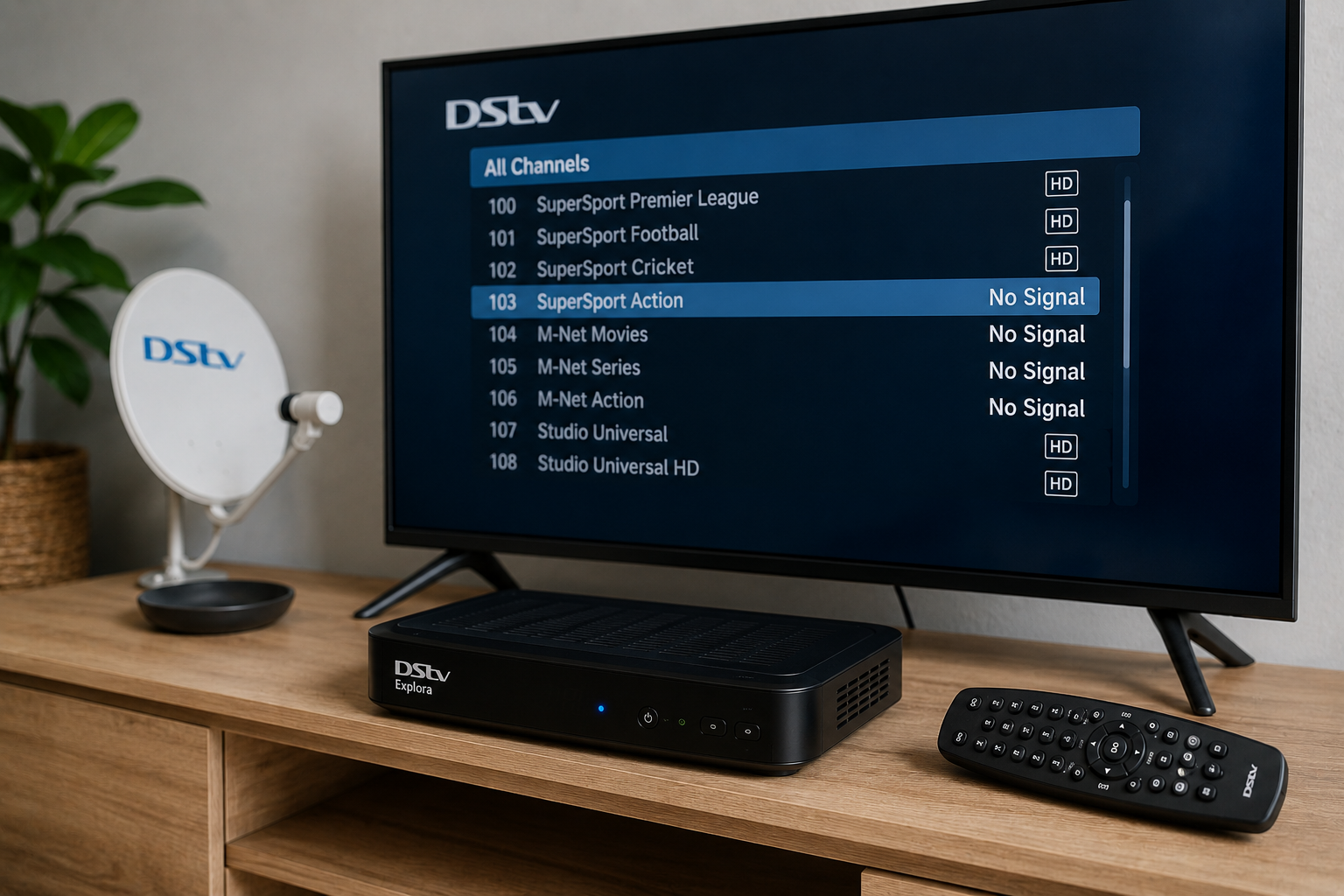
It can be confusing when some DStv channels are working perfectly while others suddenly disappear.
Many people immediately assume there is a problem with their subscription or that DStv is experiencing a network issue. However, in most cases, the problem is linked to your own installation, signal quality, decoder settings, or equipment.
What makes this issue particularly frustrating is that it does not behave like a complete signal loss. You can still watch certain channels, which makes it difficult to understand what is actually wrong.
The good news is that there are several common causes behind missing DStv channels, and many of them can be identified quickly once you know what to look for.
Need Help Restoring Missing DStv Channels?
Fill in the form below and get fast assistance from a qualified DStv technician.
Why Some Channels Disappear While Others Continue Working
Not all DStv channels use exactly the same signal frequencies.
Your decoder receives multiple groups of channels from the satellite. If part of the signal is affected, certain channel groups may disappear while others continue working normally.
This is why you might still be able to watch news channels while sports, movies, or entertainment channels are missing.
Because different channel groups rely on different frequencies, signal problems often affect only specific channels first.
This is one of the main reasons homeowners become confused when troubleshooting the issue.
Your DStv Package May Not Include Those Channels
Before assuming there is a technical fault, it is worth confirming that the missing channels are included in your package.
DStv occasionally updates channel line-ups, package structures, and channel allocations.
If you recently downgraded your subscription or changed packages, some channels may no longer be available.
This is especially common when moving between Premium, Compact Plus, Compact, Family, and Access packages.
In this situation, the channels are not technically missing. They are simply not included in the current subscription tier.
Checking your package details should always be one of the first troubleshooting steps.
Signal Problems Often Affect Specific Channels First
One of the most common causes of missing channels is weak signal strength.
When signal quality begins to deteriorate, certain channel frequencies become more difficult for the decoder to receive.
As a result, some channels may disappear while others continue working.
You may notice symptoms such as:
- Pixelated pictures
- Intermittent channel loss
- Sound cutting out
- Error messages on specific channels
Over time, as signal quality worsens, additional channels may start disappearing until the problem becomes more widespread.
Signal-related issues are often linked to dish alignment, damaged cables, or LNB faults.
Dish Alignment Issues Can Cause Missing Channels
Your satellite dish needs to be aligned precisely to receive the strongest possible signal.
Even a slight movement can reduce signal quality enough to affect certain channels.
Strong winds, storms, accidental bumps, and normal wear over time can all contribute to dish movement.
Many homeowners are surprised to learn that a dish can be only slightly out of alignment yet still receive some channels.
This is why dish alignment issues frequently appear as a missing channel problem rather than a complete signal failure.
If your dish has not been checked in several years, alignment should be considered as a possible cause.
Faulty LNB Problems
The LNB is the device attached to the front of the satellite dish.
Its job is to collect the satellite signal and send it through the cables to the decoder.
When the LNB starts failing, unusual symptoms often appear.
Instead of losing all channels at once, certain channel groups may disappear while others continue working.
This is one reason LNB faults are frequently misdiagnosed.
Homeowners often suspect the decoder because only some channels are affected.
However, the real problem may be occurring at the dish itself.
An ageing or damaged LNB can gradually deteriorate, causing more channels to disappear over time.
Experiencing Missing Channels?
Get your signal tested and your dish professionally inspected before the problem gets worse.
Damaged Cables and Connectors
Cables are exposed to weather, temperature changes, moisture, and physical wear.
Over time, they can become damaged, loose, or corroded.
Poor cable connections reduce signal quality and may affect specific channel frequencies before impacting the entire system.
This often leads to situations where some channels remain available while others disappear.
Damaged connectors are particularly common in older installations.
A technician will typically inspect all external and internal cable connections when investigating channel-related issues.
Decoder Software Issues
Sometimes the problem is not the signal at all.
Like many electronic devices, DStv decoders rely on software to function correctly.
Occasionally, software glitches can interfere with channel scanning and channel availability.
This may result in:
- Missing channels
- Incorrect channel information
- Channels not updating properly
- Channel list errors
A decoder reboot or software refresh can sometimes resolve these issues.
However, if the problem returns repeatedly, further investigation may be required.
Corrupted Channel Scans
Your decoder regularly maintains information about available channels.
If this information becomes corrupted, some channels may disappear from the channel list even though the signal is present.
This can happen after:
- Power interruptions
- Software updates
- Decoder resets
- Signal disruptions
In many cases, rescanning or refreshing the decoder restores the missing channels.
Unfortunately, homeowners often overlook this possibility and assume there is a more serious fault.
Weather Can Affect Certain Channels
Heavy rain and severe weather can interfere with satellite signals.
While weather-related signal loss is usually temporary, it can sometimes affect specific channel frequencies more than others.
You may notice that some channels disappear during bad weather while others remain available.
Once conditions improve, the channels typically return.
However, if the issue continues after the weather clears, there may be an underlying signal or equipment problem that needs attention.
Why HD Channels Often Disappear First
Many homeowners notice that high-definition channels seem to be affected before standard-definition channels.
This is because HD channels generally require stronger signal quality to maintain reliable performance.
When signal levels begin to drop, HD channels may start pixelating, freezing, or disappearing entirely before other channels are affected.
This often serves as an early warning sign that your installation needs attention.
Ignoring the issue can eventually lead to more widespread channel loss.
Common Mistakes People Make
One of the biggest mistakes homeowners make is immediately resetting the decoder multiple times without identifying the actual problem.
While a reboot can occasionally help, repeated resets rarely solve signal-related faults.
Another common mistake is adjusting the satellite dish without proper equipment.
A small adjustment in the wrong direction can turn a minor signal issue into complete signal loss.
People also tend to replace decoders unnecessarily when the real problem lies with the dish, LNB, or cabling.
Proper diagnosis is always more cost-effective than guessing.
When Should You Call a Technician?
If you have confirmed that your subscription is active and the channels are included in your package, it may be time to call a technician if:
- Missing channels keep returning
- Signal quality appears weak
- HD channels disappear regularly
- Weather seems to affect your channels excessively
- You notice pixelation or freezing
- The issue continues after restarting the decoder
A professional technician can test signal levels, inspect equipment, and identify faults that are not visible during basic troubleshooting.
Why Professional Diagnosis Matters
Many different faults can produce the same symptom.
A missing channel problem could be caused by:
- Weak signal
- Dish alignment issues
- LNB failure
- Damaged cables
- Decoder configuration problems
- Software faults
Without proper testing, it is easy to misdiagnose the issue and spend money on unnecessary repairs or equipment.
Professional diagnosis removes the guesswork and ensures the correct problem is identified from the start.
Restore Your Full Channel Line-Up
If channels keep disappearing, let a technician identify the cause and restore your viewing experience.